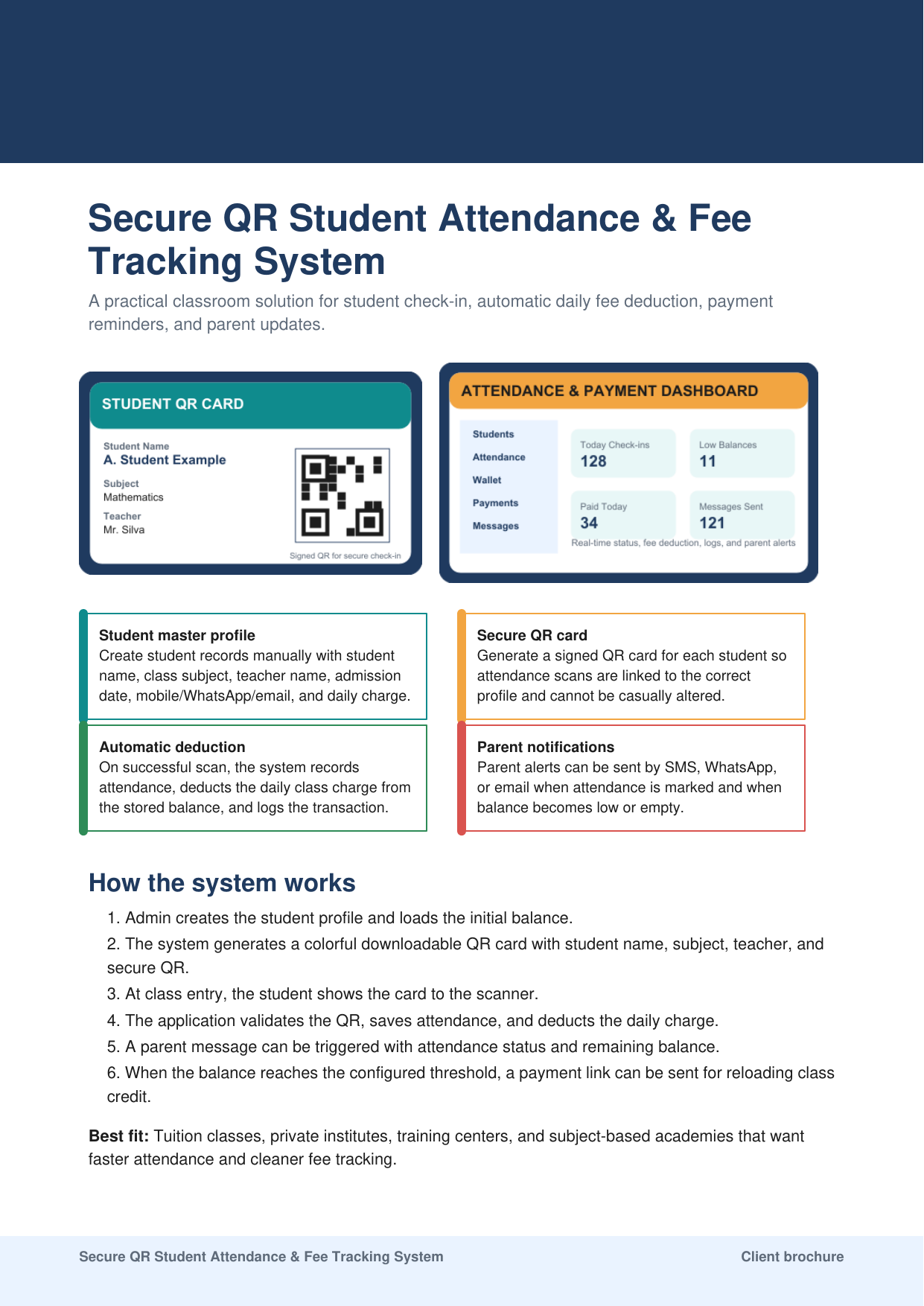
What the product includes
- Student profiles, enrollment, guardian contacts, and daily fee rules
- Branded downloadable QR cards using server-validated signed tokens
- Camera or scanner check-in with duplicate controls
- Attendance, payment, deduction, refund, and adjustment ledger
- Low-balance rules and optional parent notifications
- Reports, backup guidance, user roles, and classroom operating instructions
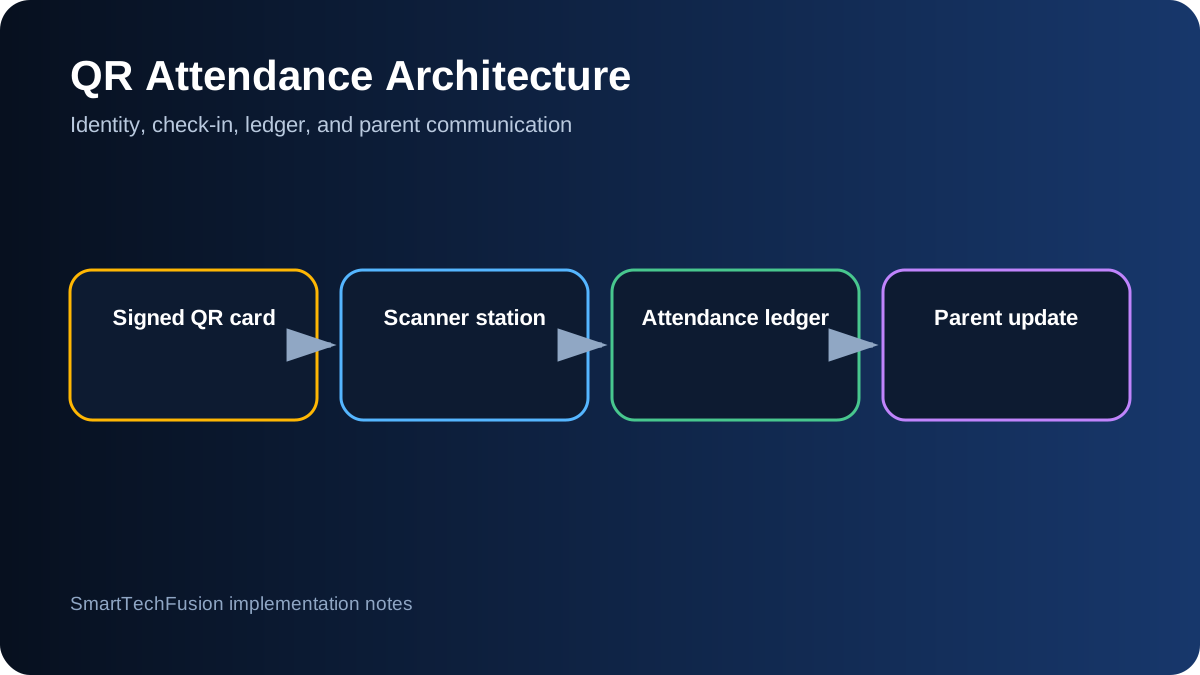
System architecture
Attendance and fee movement are saved together as a traceable transaction. Message and payment providers are integrations, not substitutes for the local ledger.
Best suited for
- Tuition classes and private institutes
- Training centres with session-based fees
- Organizations replacing paper attendance
- Institutes that need parent updates and balance visibility
Inputs needed for a quotation
- Student count, subjects, branches, and expected daily scans
- Fee rule, balance model, duplicate policy, and correction process
- Preferred local or cloud deployment and user roles
- SMS, WhatsApp, email, and payment-provider requirements
Dependencies and limitations
Messaging and payments
Live SMS, WhatsApp, email, and payment links require approved provider or merchant accounts, credentials, templates, and provider charges. The application can be delivered with integration hooks before live credentials are available.
Privacy and operations
The institute remains responsible for lawful collection of student and guardian information, staff access, retention, backups, consent for messages, and safe operation of scanner hardware.
Implementation sequence
- Confirm student fields, class structure, fee rules, roles, and correction policy.
- Finalize branding, QR card layout, and scanner workflow.
- Configure the database, signed token, attendance transaction, and wallet ledger.
- Test duplicate scans, low balance, provider failure, backup, and restoration.
- Activate approved message and payment providers and train the institute team.
Public reviews
No public reviews are displayed yet
Only verified customer feedback will be published. The review form does not publish automatically; every submission is moderated and requires permission.
Submit a customer reviewFrequently asked questions
Can the scanner work from a laptop camera?
Yes, subject to camera quality, browser or application support, lighting, and the expected scan distance. A dedicated camera can improve classroom consistency.
Can one student attend different subjects?
Yes. The data model can separate the student identity from subject enrollment and fee rules.
Will a duplicate scan deduct twice?
The configured transaction policy prevents a second deduction for the same allowed session or time window and returns the earlier check-in result.
Can it run without internet?
A local deployment can support core records without continuous internet. Live cloud sync, messages, and payment integrations require connectivity.